We have all been there. You have a document, a high-resolution photo, or a video on your laptop that you need on your smartphone immediately. How do you do it? For many, the “default” method is still incredibly primitive: emailing the file to themselves, using a messaging app that compresses the quality, or waiting for a slow cloud service to sync across devices.
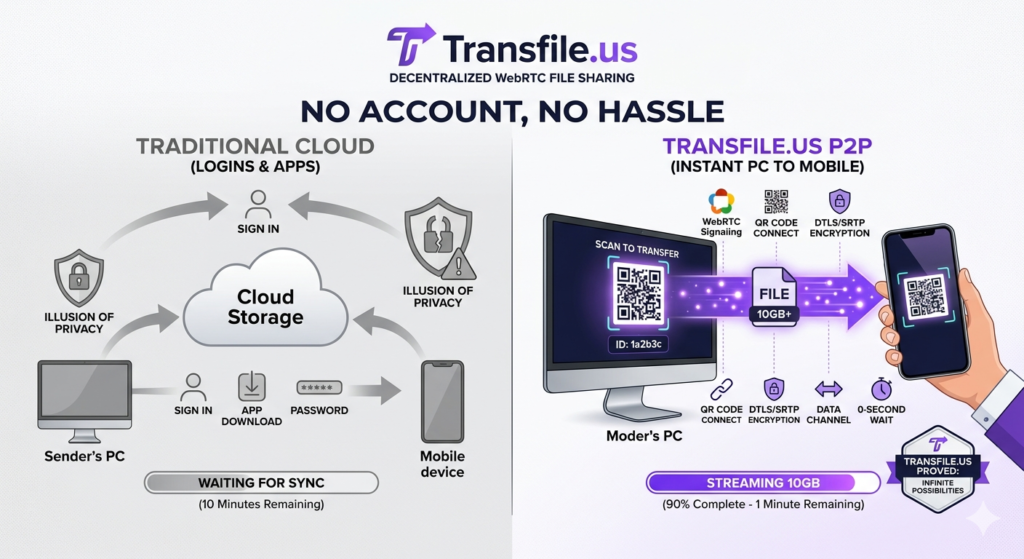
These methods are not just slow; they are filled with “friction.” They require logins, password managers, app installations, and a willingness to let a third-party server store a copy of your personal data. Transfile.us was created to eliminate this friction. By utilizing Peer-to-Peer (P2P) technology, we offer the fastest, most anonymous way to move data from your PC to your mobile device—no account, no app, and zero hassle.
The Friction Problem: Why Modern Sharing is Broken
In an ideal world, moving a file from the device in your hand to the device on your desk should be instantaneous. However, the “Cloud Era” has added unnecessary layers of complexity:
- The Login Barrier: Most services require you to be signed into the same account on both devices. If you are using a public computer or a friend’s phone, this is a security nightmare.
- The App Requirement: Many P2P tools require you to download an app on both the sender and receiver. This wastes storage space and time.
- Data Compression: Messaging apps like WhatsApp or Telegram often compress images and videos to save their own server bandwidth, ruining your high-quality media.
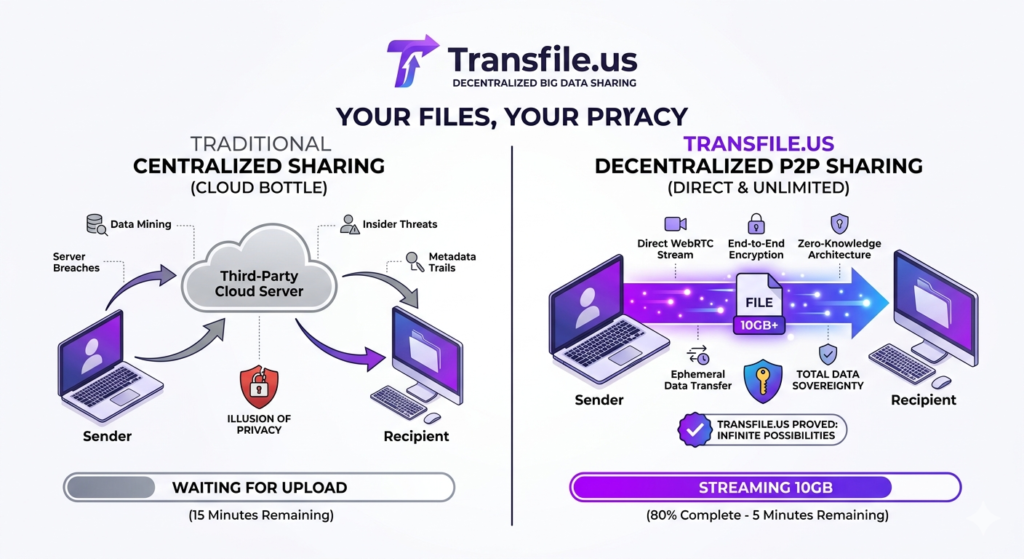
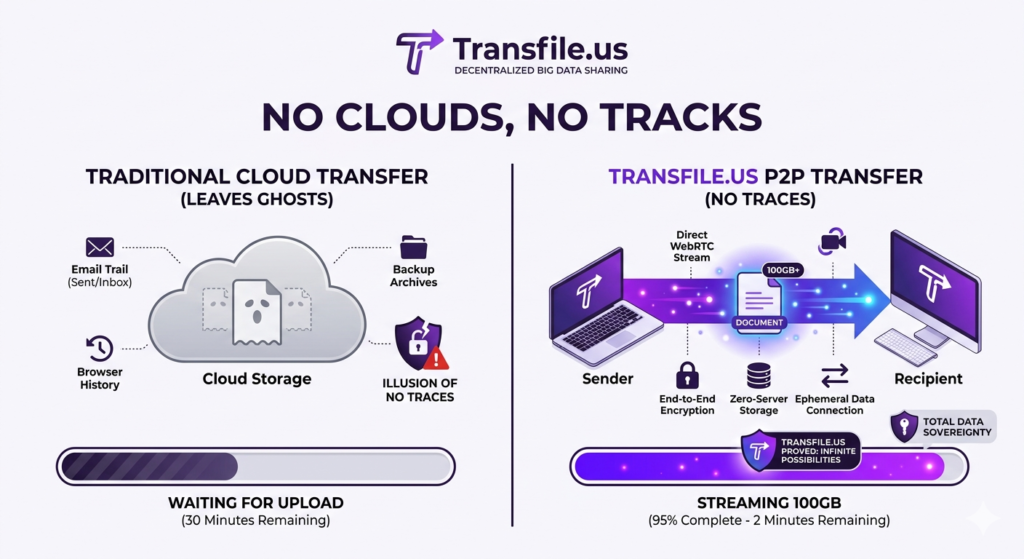
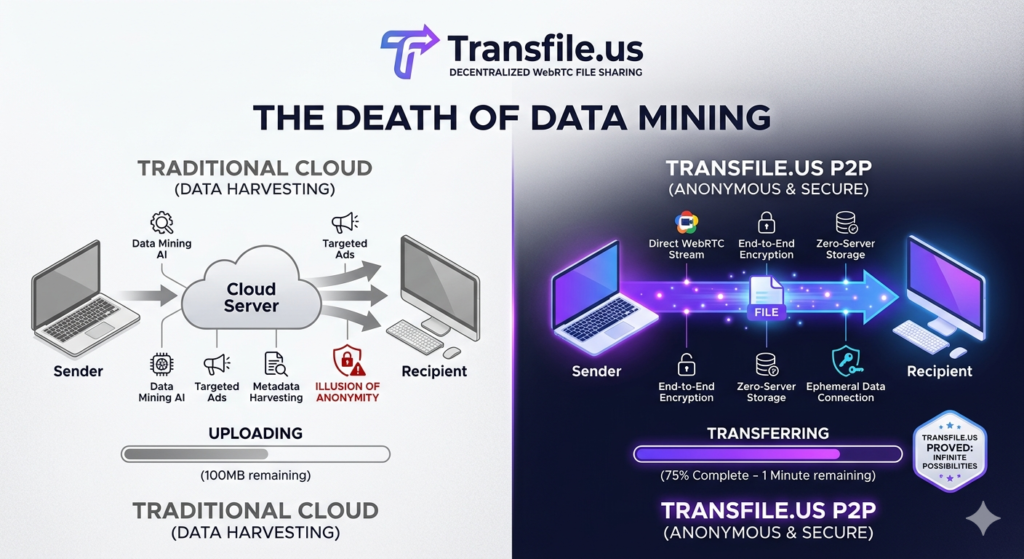
- Privacy Leaks: When you “upload” a file to move it three feet to your phone, you are unnecessarily sending your private data to a corporate data center.
Transfile.us: The Browser-to-Browser Revolution
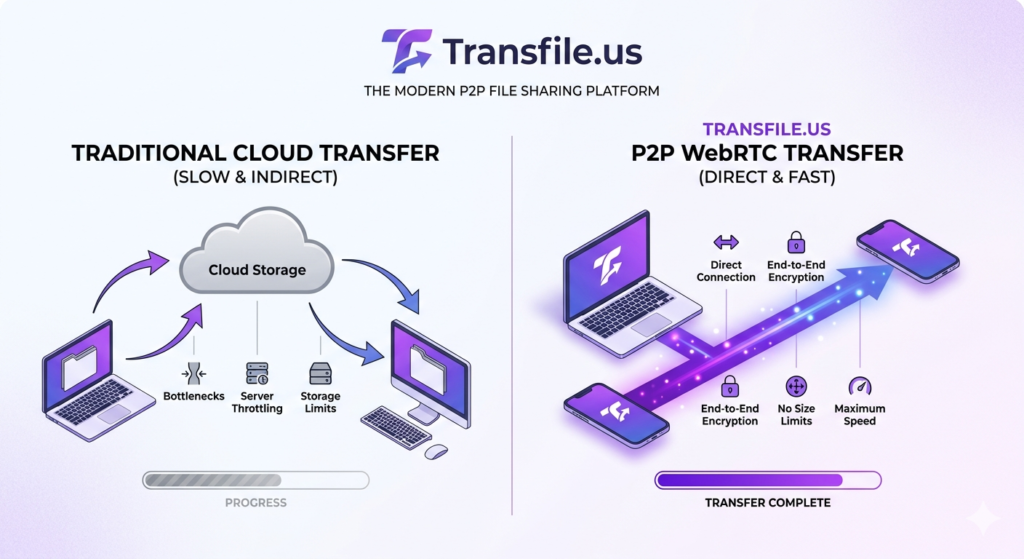
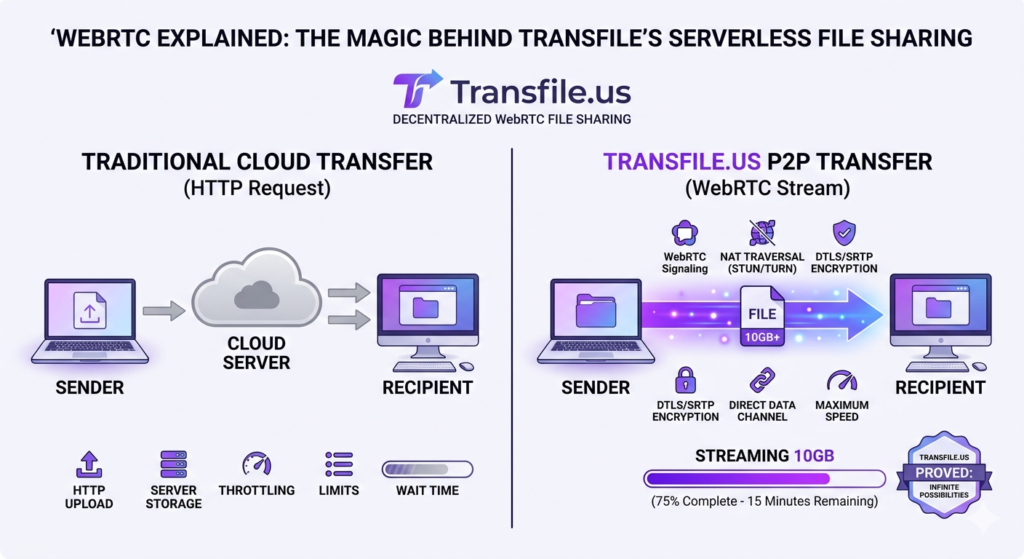
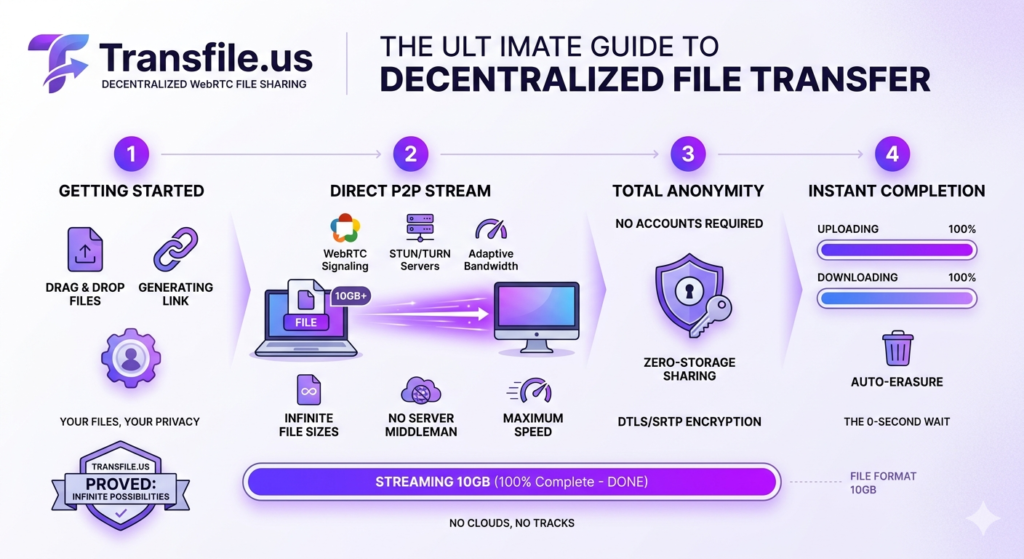
Transfile.us bypasses these obstacles by turning your web browser into a powerful transfer engine. Using WebRTC (Web Real-Time Communication), we establish a direct, encrypted link between your PC browser and your mobile browser.
How the “No-Hassle” Workflow Works:
The beauty of Transfile.us lies in its simplicity. You don’t need a manual; you just need a browser.
- Step 1: Open Transfile.us on your PC and drag your file into the window.
- Step 2: A unique QR Code or 6-Digit ID is generated instantly.
- Step 3: Scan the QR code with your phone’s camera or type the link into your mobile browser.
- Step 4: The transfer begins immediately. Your PC “streams” the data directly to your phone.
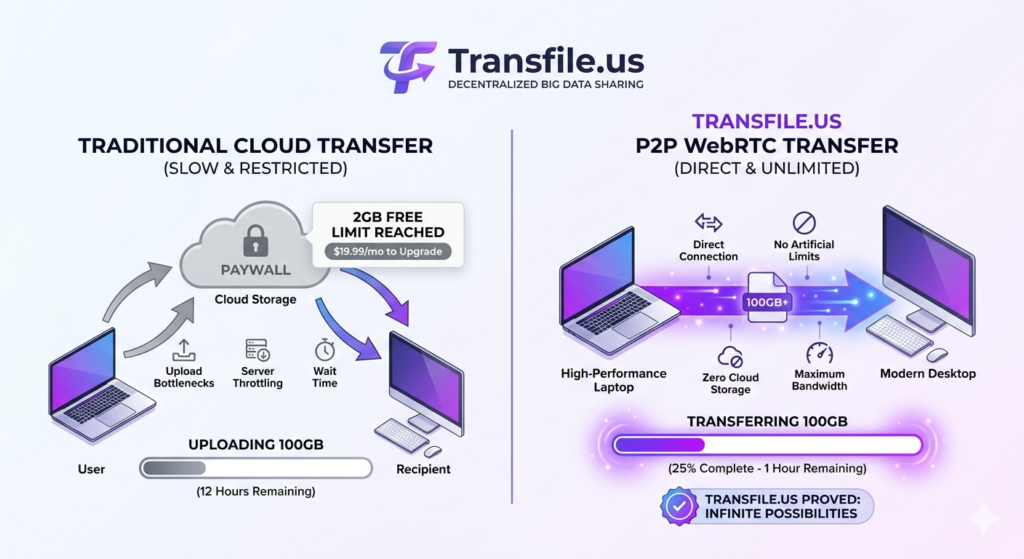
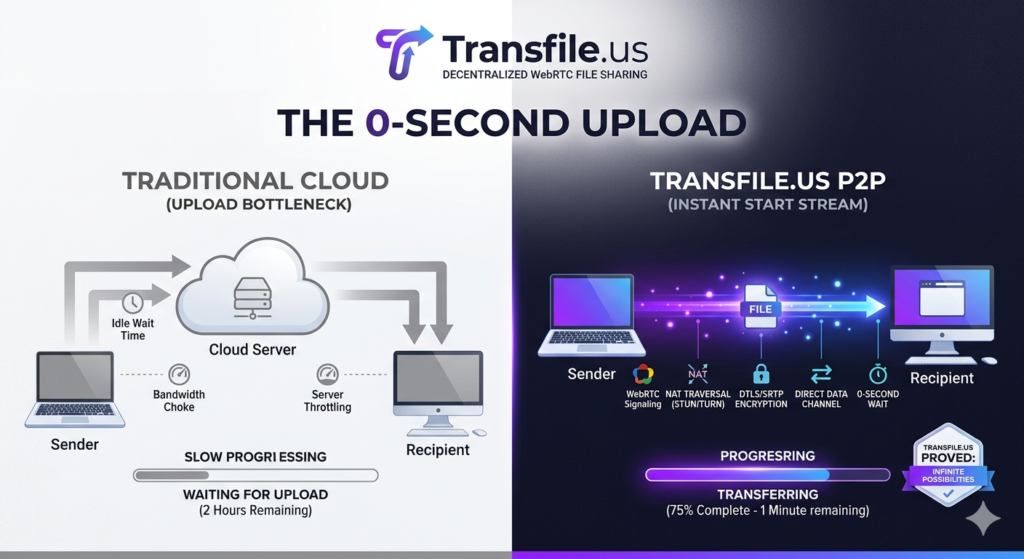
Because there is no “upload” to a server, the transfer is limited only by your local network speed. If both devices are on the same Wi-Fi, it is nearly instantaneous.
Why “No Account” is a Security Feature
Many people ask, “Why don’t you want me to sign up?” The answer is simple: We value your anonymity. When a service doesn’t have your email address, your name, or your login history, it cannot be forced to hand over your data. By operating as an account-less utility, Transfile.us ensures that your file transfers are ephemeral. They exist for the duration of the transfer and then vanish.
For professionals handling sensitive data—such as lawyers, journalists, or medical staff—the ability to move a file from a workstation to a mobile device without leaving a “digital trail” on a cloud account is a critical security advantage.
High-Resolution Without the Headaches
Photographers and videographers often face the challenge of moving “Original Quality” files to mobile for social media posting or client previews.
Cloud drives often take minutes to “process” a video before it can be downloaded. Transfile.us handles the file as raw binary data. If you send a 4K video, your phone receives every single pixel exactly as it was on your PC. No compression, no metadata stripping, and no quality loss.
Breaking the Ecosystem Lock-in
One of the biggest frustrations for users is the “Ecosystem Wall.” Apple’s AirDrop is fantastic—but only if you stay within the Apple family. Moving a file from a Windows PC to an iPhone, or an Android phone to a Mac, usually feels like pulling teeth.
Transfile.us is platform-agnostic. It doesn’t care if you are on Windows, macOS, Linux, Android, or iOS. As long as you have a modern browser (Chrome, Safari, Firefox, or Edge), you have a universal bridge. We are breaking down the walls between your devices, giving you total freedom over your data flow.
The Technical Edge: Why P2P is Faster for PC-to-Mobile
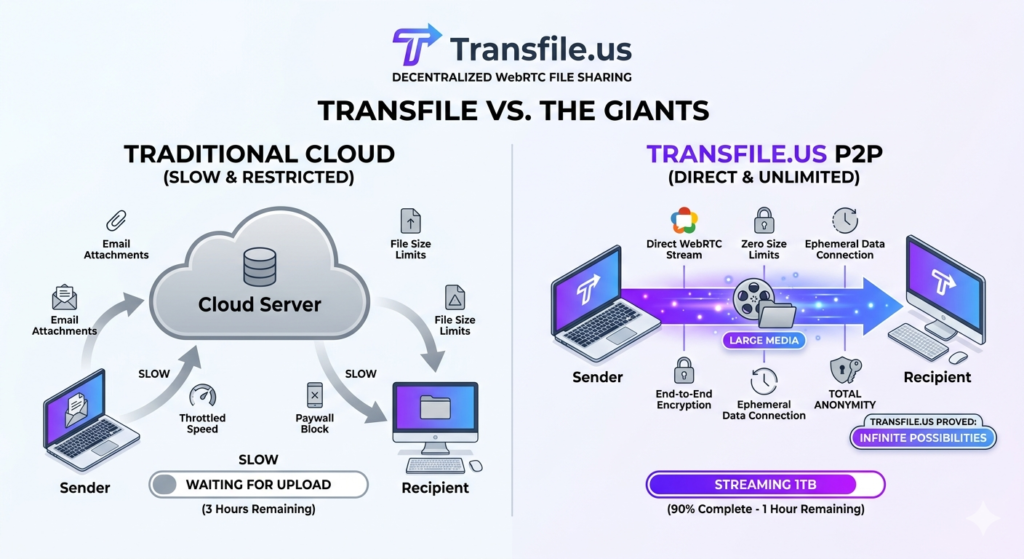
When you use a cloud service to move a file to your phone, the data travels a massive distance:
- PC -> Your Router -> ISP -> Cloud Server (possibly in another country) -> ISP -> Your Router -> Mobile.
When you use Transfile.us on the same Wi-Fi:
- PC -> Your Router -> Mobile.
By cutting out the “Cloud Trip,” you eliminate the latency and bandwidth limits of the internet. You are using the full power of your internal hardware. This is why Transfile.us can move gigabytes of data while other services are still stuck on “Preparing Upload.”
Best Practices for Seamless Transfers
To ensure the fastest experience when moving files from PC to Mobile, keep these tips in mind:
- Keep the Screen On: Mobile browsers often pause data transfers if the screen turns off to save battery. Ensure your phone screen stays active until the progress bar reaches 100%.
- Use the QR Code: It is the fastest way to bridge the two devices. No typing, no errors.
- Local Wi-Fi: For the absolute best speeds, ensure both your PC and Mobile are connected to the same Wi-Fi network (preferably 5GHz).
Conclusion: Simplicity is the Ultimate Sophistication
The goal of technology should be to make our lives easier, not to force us into more subscriptions and account registrations. Moving a file from your PC to your mobile device should be a “zero-thought” process.
Transfile.us brings back that simplicity. By combining the power of WebRTC with a clean, account-less interface, we have created the ultimate bridge for your digital life. No accounts, no apps, no tracking—just your files, where you need them, exactly when you need them.
Experience the bridge. Transfer your next file at Transfile.us.